 qr/pdf.png800 × 800
Patient information
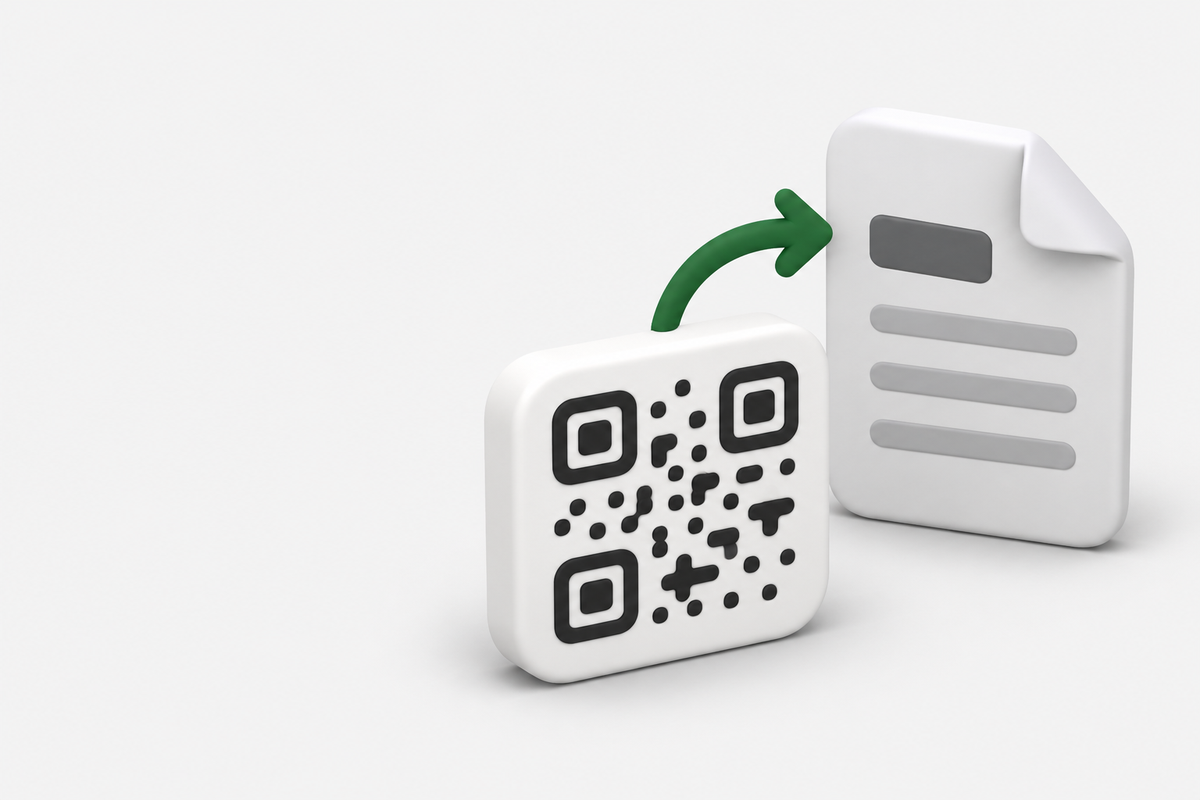
Link to public preparation instructions or service information.
Share public information, directions and appointment links with a free QR code.
qr/pdf.png800 × 800Choose the information your audience needs and make it easy to reach.
qr/pdf.png800 × 800Link to public preparation instructions or service information.
 qr/url.png800 × 800
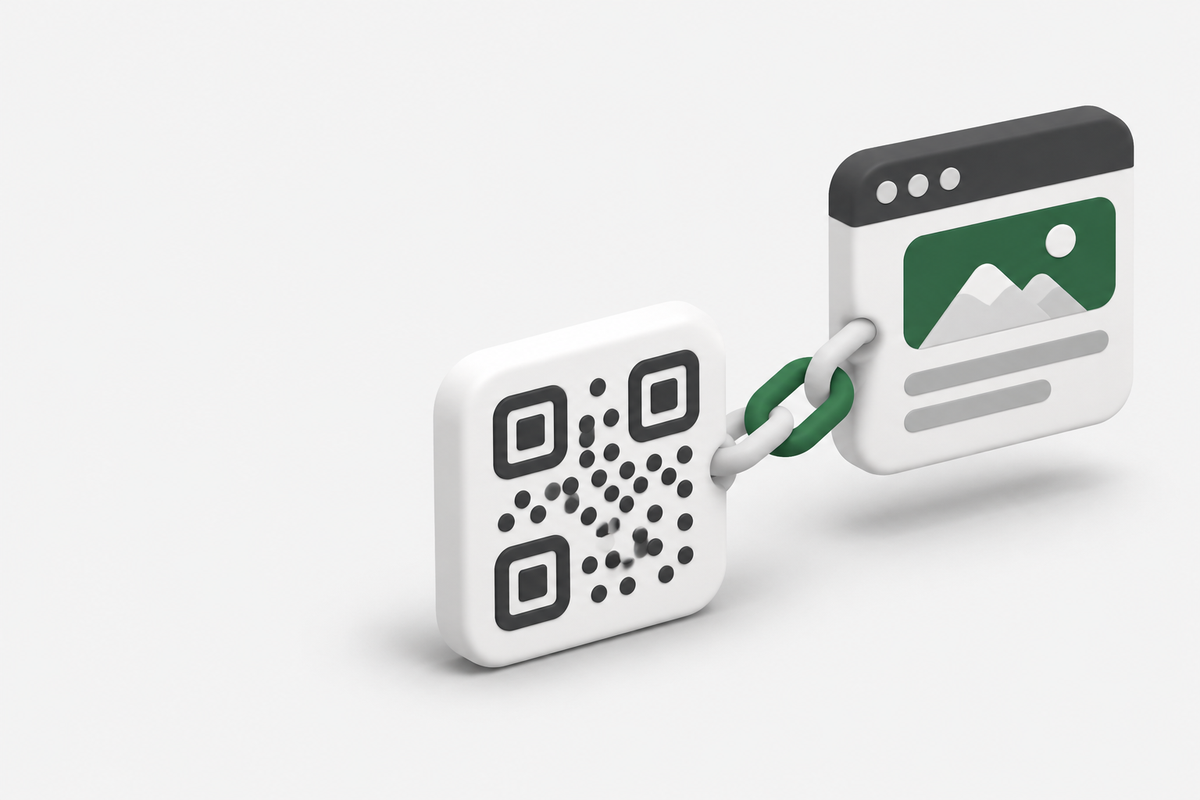
Send visitors to your existing appointment page.
 qr/location.png800 × 800
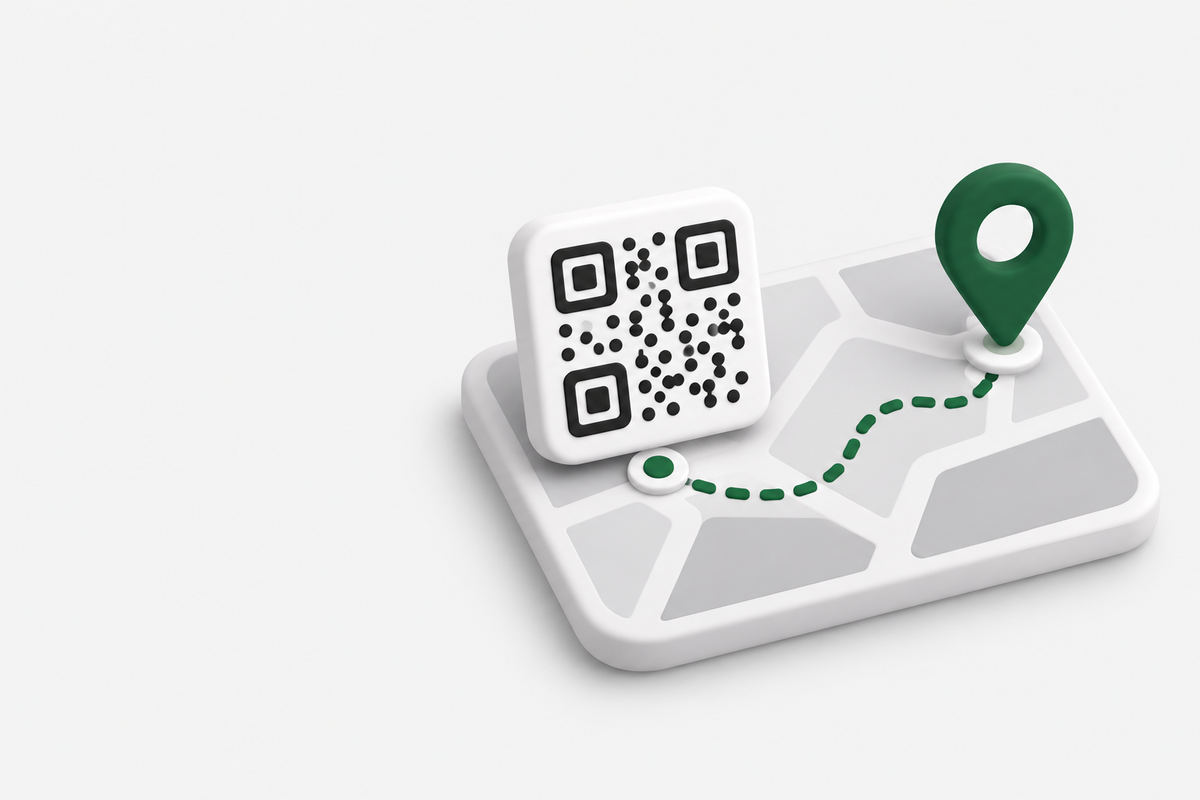
Share directions to a location from printed material.
Pick the information you want people to open.
Enter the details and download your free code.
Add it to your material and scan the final copy.
Share public information, directions and appointment links with a free QR code.
Good placement and a clear purpose help people know what to expect.
Create your code, download it and add it to your material. Leave clear space around the code and check it on the final print.
For links that need to change, create an editable code with a free account.
Yes. A URL code can point to your appointment page.
A PDF QR code can link to a document you choose to share.
Avoid placing personal health information directly in a code or on a public destination.
An editable code with a free account can point to a new destination.
Yes. You can make a QR code for free.
You can start creating a code without an account.
Scan a test download or print with a phone and check the destination.
Use a short description of what opens after a scan.
qr/url.png800 × 800qr/url.png800 × 800qr/url.png800 × 800Free forever. No account needed to start, no watermark on anything you download.
 illus/cta.png1000 × 900